Free data destruction free analysis request →
Drive models Seagate Barracuda ST500DM002
+32 (0)800 11 400 free analysis request

Drive model · Seagate

Seagate Barracuda ST500DM002

Is your Seagate Barracuda ST500DM002 broken, clicking, or no longer recognised? We recover the data in our own lab, also with mechanical damage or faulty firmware. You first get a free analysis and a price.

Details of this model

BrandSeagate
ModelST500DM002
TypeHard disk drive (HDD)
SeriesBARRACUDA
Capacity500 GB
Form factor3.5"
Part number1BD142-021
Circuit board (PCB)100535704 REV C

How we recover data from a Seagate drive

  1. Diagnosis. We determine what is wrong: electronics, heads, motor, firmware or bad sectors.
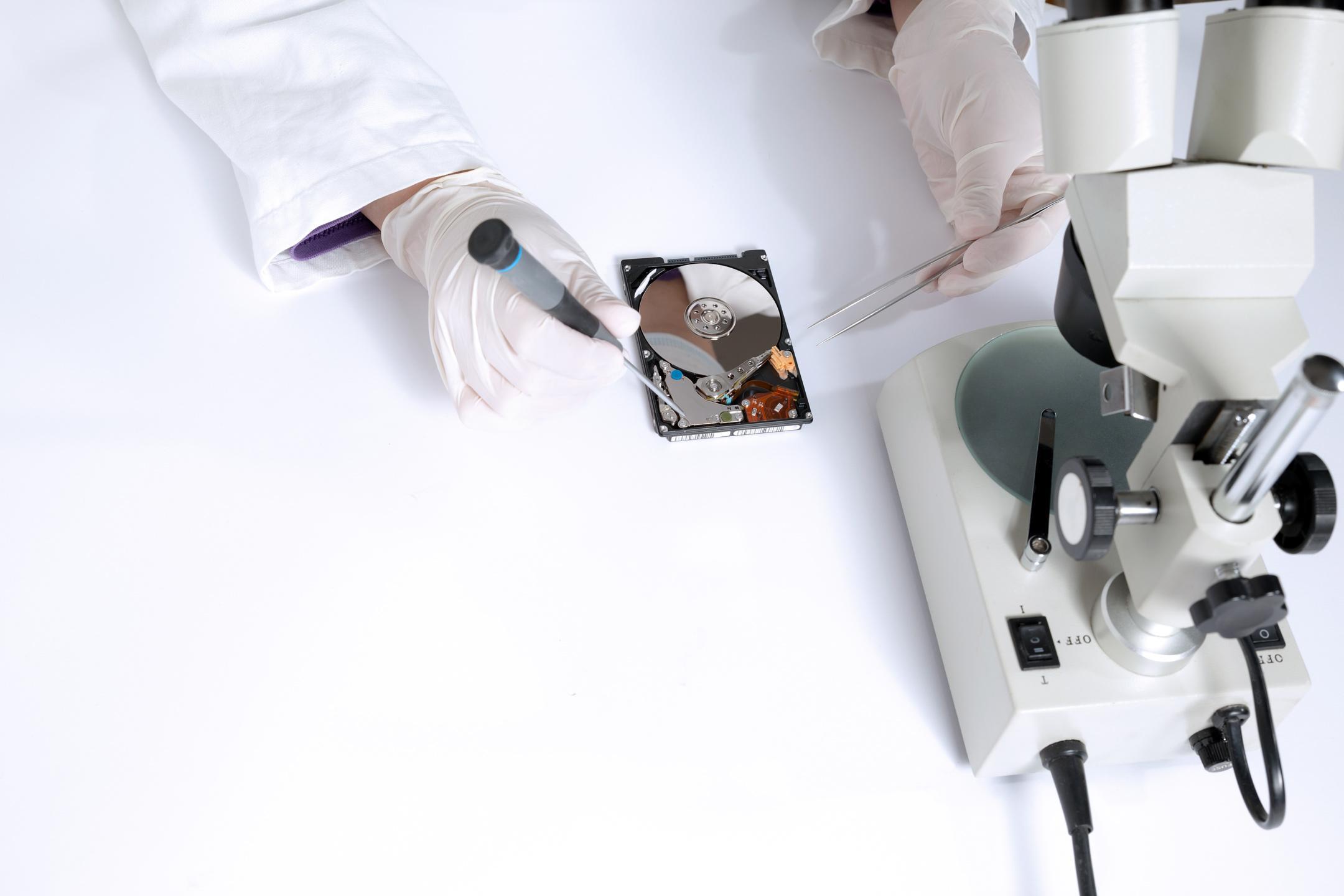
  2. Repair where needed. With mechanical damage we replace parts in our Class 1 cleanroom, using a donor drive of the same model. We have almost 20,000 in stock.
  3. Copy (image). We read the drive completely with our own equipment, even with bad sectors, without ever writing to the original.
  4. Delivery. You get a list of the recovered files, and the data on a new drive or as an encrypted download.

Is the drive clicking or beeping? Switch it off right away and don't start it again. Every attempt can damage the platters further.

About this model

The Seagate ST500DM002 1BD142-021 Barracuda is primarily used for storing data in computers, providing ample storage for a range of applications from running operating systems to storing games, documents, and multimedia. It is renowned for its speed, capacity, and reliability in both personal and professional settings.

Advantages

  • Large Storage: Its 500GB capacity can comfortably store heavy files and applications.
  • High Speed: It operates at 7200 RPM, ensuring quick data retrieval and storage.
  • Reliable: It's known for its robust performance and durability, making it a trusted choice for many.

Disadvantages

  • Noise: This Hard Disk Drive (HDD) can be noticeably louder than Solid State Drives (SSD).
  • Energy Consumption: HDDs like this one require more power to operate compared to SSDs.
  • Potential for Damage: With moving mechanical parts, HDDs like this one may have a higher risk of physical damage from drops or bumps compared to SSDs.

Related models

Why it works here

More about our lab →
  • Nearly 20,000 donor drives The right part is usually ready.
  • X-ray in-house First see, then act.
  • Rework and reballing Chips removed and refitted safely.
  • Our own software Up to hundreds of terabytes.
  • Mobile cleanroom The device stays in your building.
  • Since 1988 Nearly forty years of equipment and experience.

Your drive no longer works?

Request a free analysis. You first get a diagnosis and a price, and you only pay if we get your data back.